



Before most software or automation projects, someone says a version of the same thing: "let us just automate this." It sounds efficient. It is usually the moment the project starts going wrong. Because automating a process you have never actually mapped does not fix the process. It just makes the existing mess run faster, and harder to change.
You are automating a process you have never seen
Everyone believes they know how their own processes work. Ask three people who run the same process to describe it, though, and you will get three different answers, none of which matches the version written down. The official process lives in a slide or a manager's head. The real process, the one with all the shortcuts, exceptions, and quiet workarounds, lives with the people doing the work every day.
When you automate, you encode a process into software. If you encode the version on the slide rather than the version people actually run, the automation will fight the real work from day one. Users will route around it, rebuild their workarounds on top of it, and quietly go back to email and spreadsheets. That is not a technology failure. It is a mapping failure.
What a real process map reveals
A current-state map is not a tidy diagram of how things should work. It is an honest picture of how they do, and honest pictures are uncomfortable. Done properly, a map surfaces the things nobody talks about in the planning meeting.
Rework loops. The steps where work bounces back because something was wrong or missing upstream. These are invisible in a summary and obvious on a map.
Handoffs and waiting. The gaps between steps where work sits in an inbox for two days. Most of the elapsed time in a process is waiting, not working, and you cannot automate away a wait you have not found.
Shadow steps. The spreadsheet someone maintains on the side, the approval that happens over a chat message, the manual check that is not in any document but without which everything breaks.
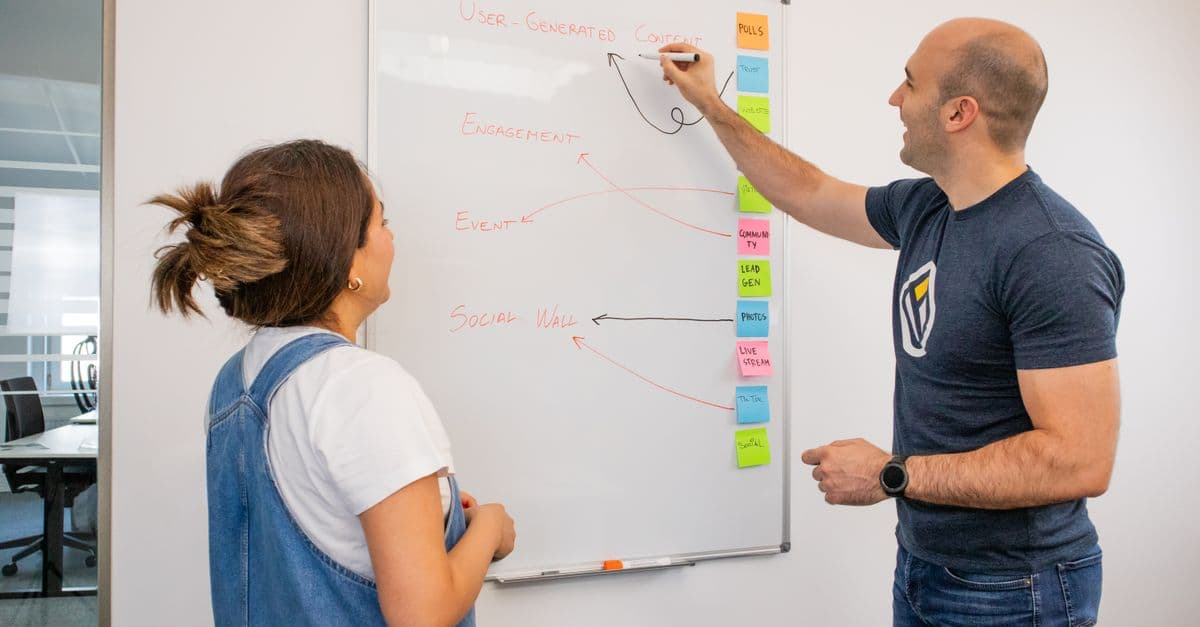
Once these are on the wall, the conversation changes. Half of what people wanted to automate turns out to be work that should not exist at all.
Why teams skip this step
Mapping gets skipped because it feels obvious and slow, and buying software feels like progress. Sitting down to document what everyone supposedly already knows seems like a detour when a vendor is promising to solve the problem next quarter. So teams jump straight to selecting a tool, and only discover the real process during implementation, when changing course is expensive and the pressure to just ship is highest.
The irony is that mapping is the cheapest step in the whole project and the one that saves the most money. It needs a room, the right people, and a few days, not a licence and a year.
Map what happens, not what should happen
The discipline that makes mapping work is refusing to clean it up as you go. The instinct is to document the ideal, the process as it would run if everyone followed the rules. That version is useless, because nobody runs it. Capture what actually happens, exceptions and workarounds included, and capture it by walking the work with the people who do it rather than interviewing the people who own it.
Only once the current state is honest and visible do you decide what to change. Some steps get removed. Some get redesigned. And what is left, the process that genuinely should exist, is finally worth automating, because now you are encoding something that works.
A worked example
A services firm wanted to automate invoice approvals, convinced the delay was the approvers being slow. Mapping the current state told a different story. Roughly sixty percent of invoices never went through the official approval path at all, they went through an informal fast-track over chat, because the official path was too slow to be usable. The automation, as scoped, would have hard-wired the slow path and blocked the fast one, making the exact problem worse. The map redirected the project: fix the approval thresholds first, then automate the corrected process. The delay dropped without a line of the originally planned code.
Cheap step, expensive to skip
An automation or software project is a bet that you understand the work well enough to encode it. A current-state process map is how you check that bet before you place it, for a fraction of the cost of finding out during rollout. Map the work, remove what should not be there, redesign what should, and automate what remains. Skip the map and you do not avoid the cost, you just pay it later, with interest, once the software is already built.
If you are about to buy software or build automation and want the real process on the wall before anyone writes code, that is where we start. Our team runs process assessment and mapping that turns how work actually happens into a plan for what to change. Book a discovery call and we will map the process you are about to automate.
Frequently asked questions
What is current-state process mapping?
Current-state process mapping is documenting how a process actually runs today, step by step, including the handoffs, waiting time, rework loops, and undocumented workarounds people really use. It is deliberately not the official or ideal version. The point is to see the real process, because that is what any software or automation will have to fit, and where the waste actually lives.
Why map a process before automating it?
Because automation makes a process faster and more rigid, and if the process is wasteful or broken, you are only scaling the waste. Mapping first reveals the rework, handoffs, and workarounds that should be removed or redesigned before code is written. Automating the map you have, rather than the process people actually run, is the most common reason automation projects disappoint.
Who should be involved in mapping a process?
The people who actually do the work, not only the managers who own it. The official process usually lives in a manager's head or a slide, while the real process, including every shortcut and exception, lives with the people executing it daily. A useful map is built by walking the work with them and capturing what really happens, exceptions included.
How long does process mapping take?
A single core process can usually be mapped in a few days of focused work with the right people, not weeks. The goal is not a perfect diagram of everything, it is enough clarity on the one or two processes you are about to change to make good decisions about what to fix, what to automate, and what to leave alone. Precision matters more than breadth.